How to Build a Lead Agent That Handles Both SMS and Website Widget in One Flow

Reading time: ~7 minutes
Level: Intermediate
What you’ll build: A Conversation Flow with three chained actors that qualifies inbound leads from both your website widget and SMS – using the same flow, the same actors, the same logic
Most businesses assume they need a separate flow for every channel. A chatbot for the website, a different SMS flow for text inquiries. Two sets of actors. Two places to update when your offer changes. Two flows that drift out of sync.
CogniAgent’s Conversation Flows don’t require this. A single flow can be connected to both your website widget and SMS. The actors inside it run the same conversation regardless of which channel the lead used to reach you. The lead that opened your widget and the lead that texted your number get identical qualification – from the same three actors.
This guide shows you how to build it.
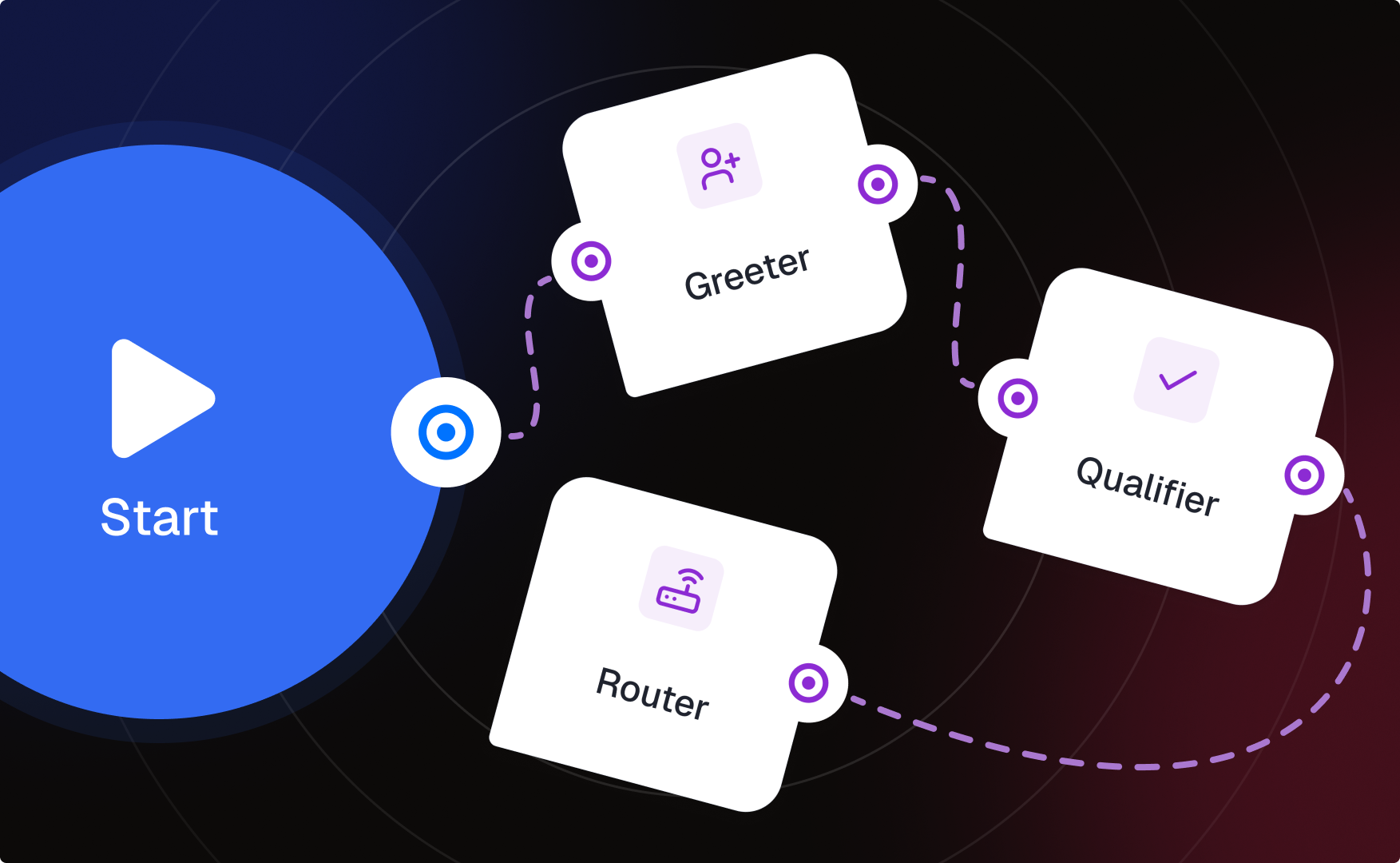
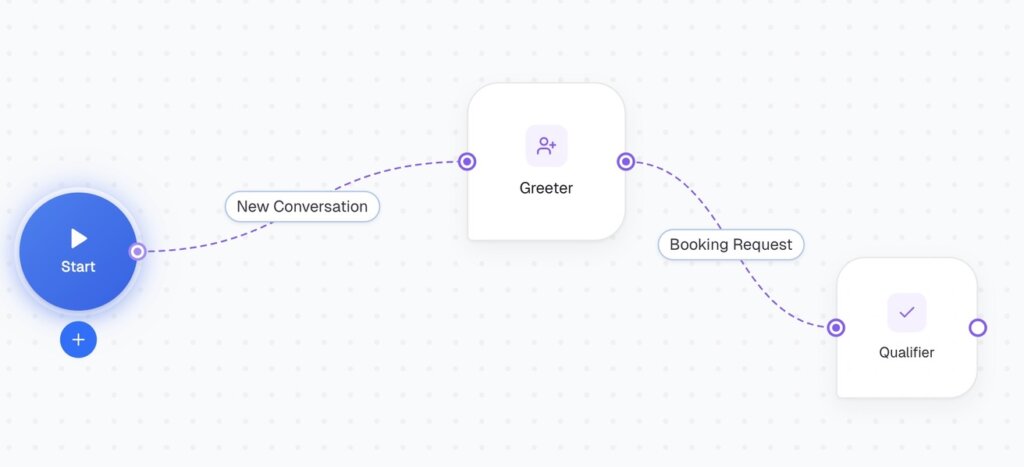
A three-actor Conversation Flow adaptable to any vertical:
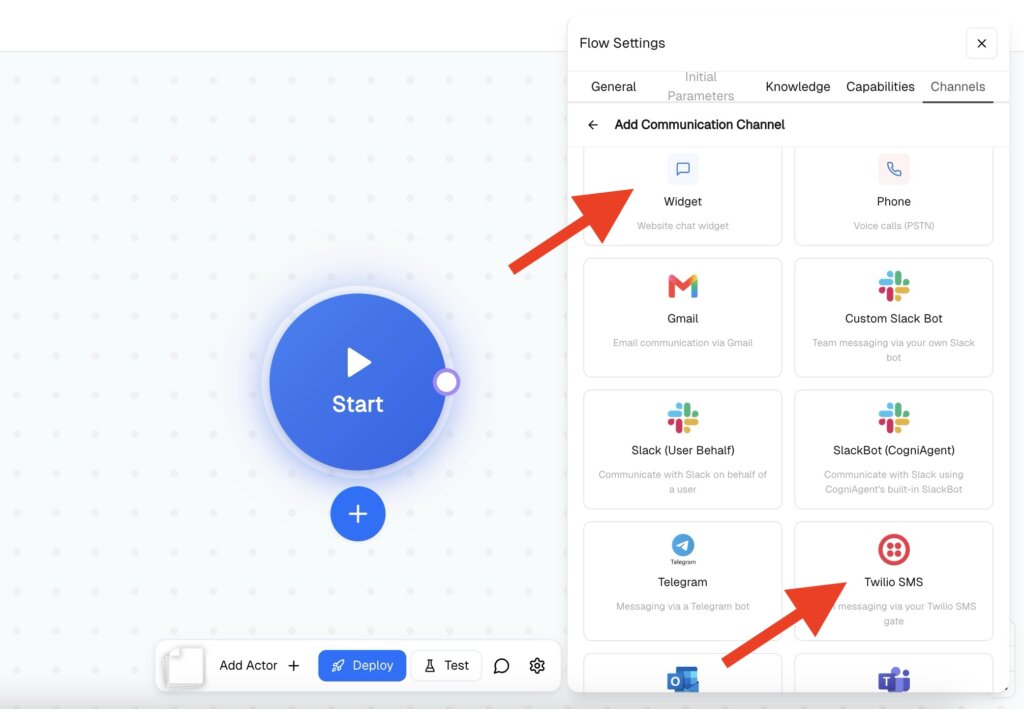
Both the website widget and SMS are connected to this single flow. One build. Two channels.
Both channels are now live under a single flow. When a lead messages your widget or texts your number, the same actor chain runs. You don’t build two flows — you add two channels to one.
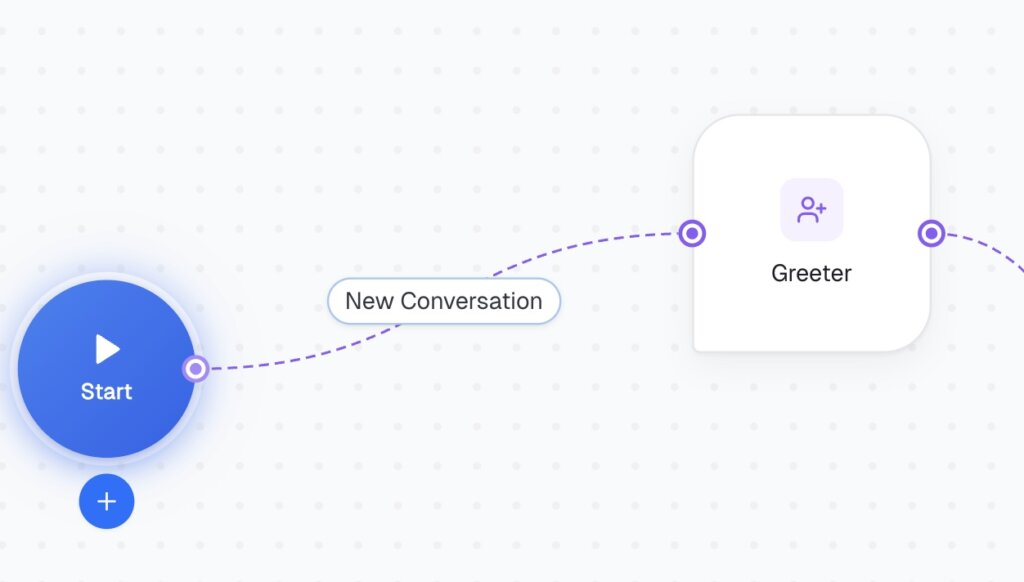
This actor opens the conversation. Its job is to welcome the lead and confirm what they’re looking for — not to collect details yet, just to establish context and hand off cleanly.
Context:
[Company Name] is a [home services / cleaning / HVAC / etc.] business serving [location]. We respond to inbound leads from both our website widget and SMS. Tone is friendly, professional, and efficient — no filler phrases, no overpromising. The goal is to make the lead feel heard and move them to qualification quickly.
Instructions:
Welcome the lead warmly, confirm their name, and ask what they need help with. Keep it brief. Do not ask for job details — just confirm they want a quote or booking and that you can help.
Activation Condition:
Conversation has started
Definition of Done:
Lead has confirmed they want a quote or booking. Do NOT close the conversation — pass to the next actor immediately.
Important: No closing message here. The Greeter hands off to the Qualifier – any sign-off language (“Great, talk soon!”) will cause the actor to close the conversation prematurely instead of passing it forward.
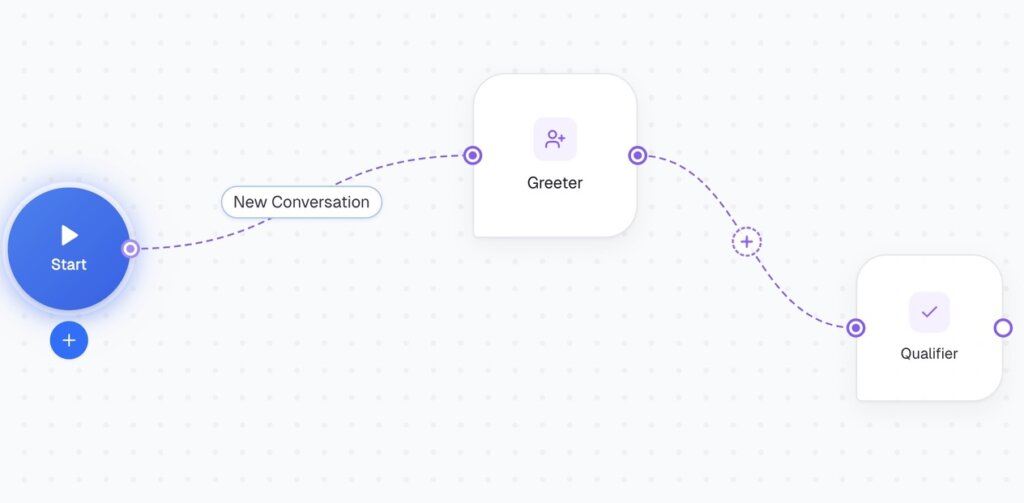
This actor collects the information you need to assess the lead. It runs the actual qualification conversation.
Context:
We qualify leads based on job type, location, timing, and urgency. Not every lead is a fit — if the location is outside our service area or the job doesn’t match our services, the Router actor will handle it. Your job is only to collect the information accurately. Understand informal answers — “sometime next week” counts as timing, “pretty urgent” counts as urgency. One question at a time.
Instructions:
Collect the following details through natural conversation:
Do not assess fit. Do not tell the lead whether they qualify. Just collect.
Activation Condition:
Lead has confirmed they want a quote or booking
Definition of Done:
All fields collected: job type, location, timing, urgency, and contact details. Do NOT close the conversation — pass to the next actor immediately.
Context:
You are the final actor in this flow. You have access to everything collected in the conversation so far — job type, location, timing, urgency, and contact details. Your job is to assess fit, respond to the lead, and notify the owner. A good fit means: job type matches our services AND location is within our service area AND timing is realistic. If any one of these is missing or unclear, treat it as a follow-up, not a rejection. Only close the conversation after the lead has received a message and the owner has been notified.
Instructions:
Review the conversation. Based on what was collected:
If the lead is a good fit:
If the lead needs follow-up (outside area, unclear job, missing details):
If the lead is not a fit:
Close the conversation after the lead has received their message.
Activation Condition:
All lead details have been collected
Definition of Done:
Lead has received a response. Owner has been notified if applicable. Conversation is closed.
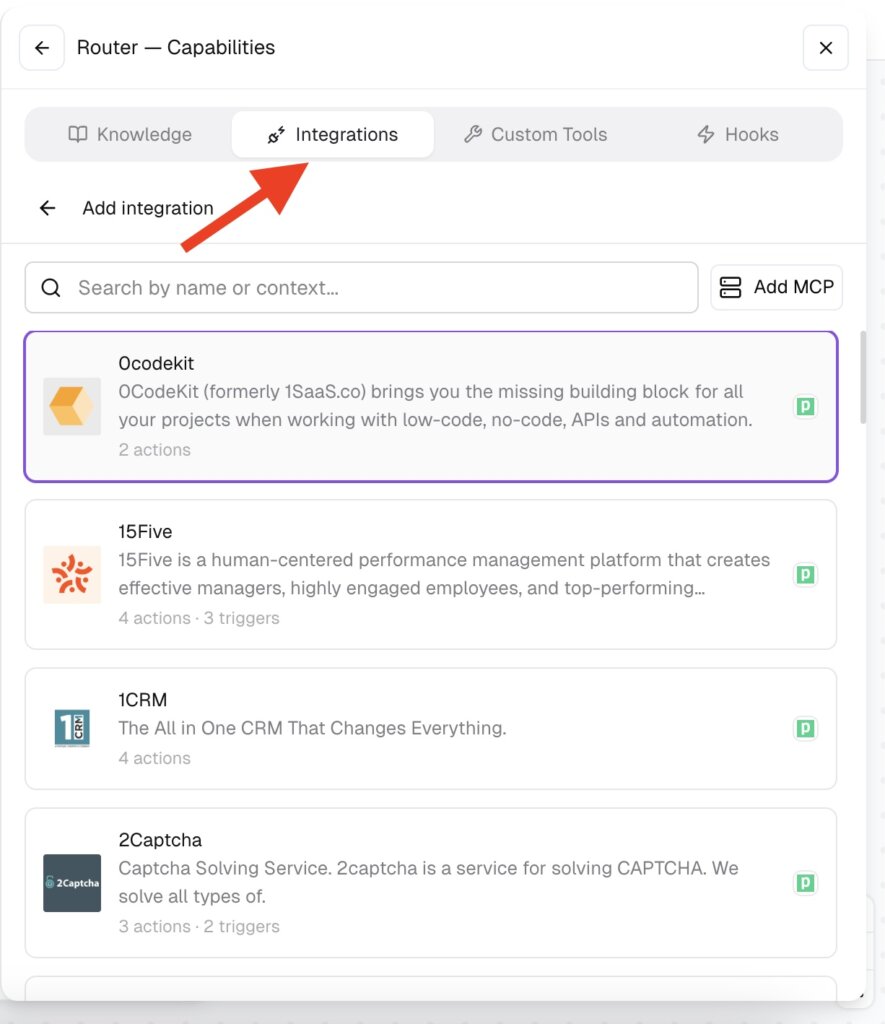
Integrations: Connect Gmail or Slack inside this actor’s Capabilities → Integrations to send the owner notification. This is set per-actor, not as a separate node — the actor handles the notification directly from within the flow.
You don’t need to configure anything different per channel. When a lead messages via widget, the actors respond through the widget. When a lead texts via SMS, the actors respond via SMS. The flow detects the active channel and uses it – same instructions, same actors, same logic.
Putting a closing message in Actor 1 or Actor 2. Any phrase like “Great, talk soon!” or “Be right with you!” signals the end of that actor’s turn and causes it to close instead of hand off. Only Actor 3 – the final actor – should have a closing message.
Writing Activation Conditions that are too long or complex. Keep them to one short phrase that directly matches what the previous actor will have established. “All lead details have been collected” works. “The lead has answered all five qualification questions including job type, location, timing, urgency, and has provided contact information” often doesn’t – the actor may not recognise the condition as met.
Using Responder mode for outbound outreach. Responder waits for the lead to reach out first. If you want to proactively SMS a list of leads, that’s a separate Initiator-mode flow – not this one.
Expecting actors to share data without reading the conversation. Actors in a Conversation Flow work from the shared conversation thread. Actor 3 knows what Actor 2 collected because it reads the same conversation – not because data is passed as variables. Write instructions that reference “the conversation so far” rather than specific variable names.
Once this three-actor base is working, common additions are:
A Knowledge Base connection on Actor 2 – so the Qualifier can answer service area or pricing questions mid-conversation without breaking the qualification flow. Connect your documents inside Actor 2’s settings.
A follow-up flow for non-responses – if a lead starts the conversation and goes quiet, a separate Initiator-mode flow can send a nudge after 24 hours. This is a separate flow, not an additional actor here.
Splitting into two flows by channel if your SMS and widget conversations need genuinely different logic (different pricing, different service areas) – but try the single flow first. Most businesses find the conversation is identical regardless of channel.
One Conversation Flow. Two channels connected at the flow level. Three actors in sequence: Greeter -> Qualifier -> Router. Only the final actor closes.
The key rules that make it work: no closing messages on intermediate actors, short and direct Activation Conditions, and Definition of Done that explicitly says “pass to the next actor.” The channel – widget or SMS – is invisible to the actors. They run the same conversation either way. Follow other guides to build your automations step by step!
 Jun 26, 2026
 4 min read
 Jun 26, 2026
4 min read
Jun 26, 2026
4 min read
 Jun 26, 2026
5 min read
Jun 26, 2026
5 min read