How to Build an Out-of-Office Coverage Handoff Flow in CogniAgent

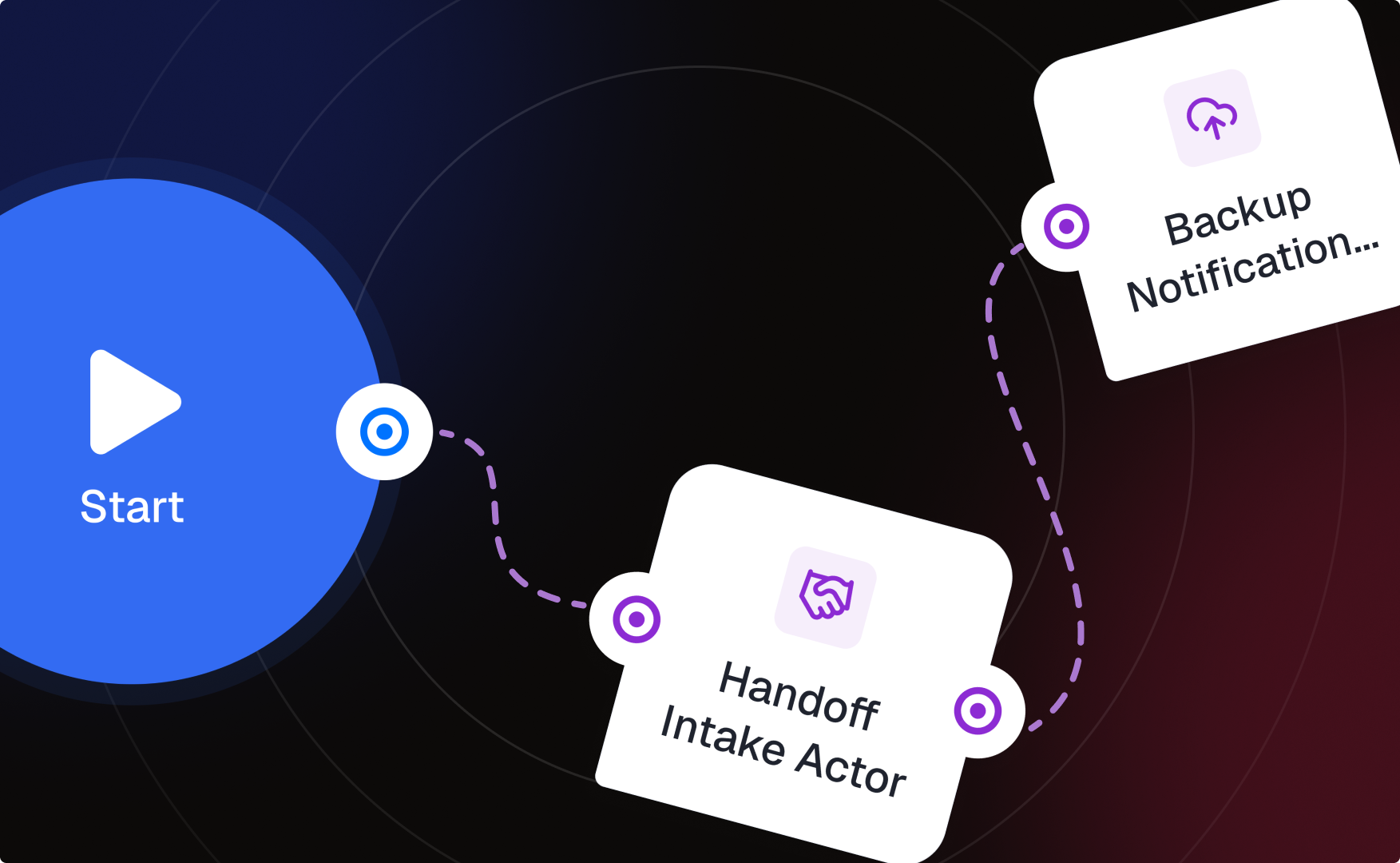
Most coverage handoffs happen as a rushed Slack message the day before someone leaves — or don’t happen at all, and the backup person finds out about an open task when a client follows up. This is a small, sequential flow: collect what’s open from the person leaving, then hand it to whoever’s covering, with enough context that they don’t have to ask follow-up questions.
The architecture at a glance
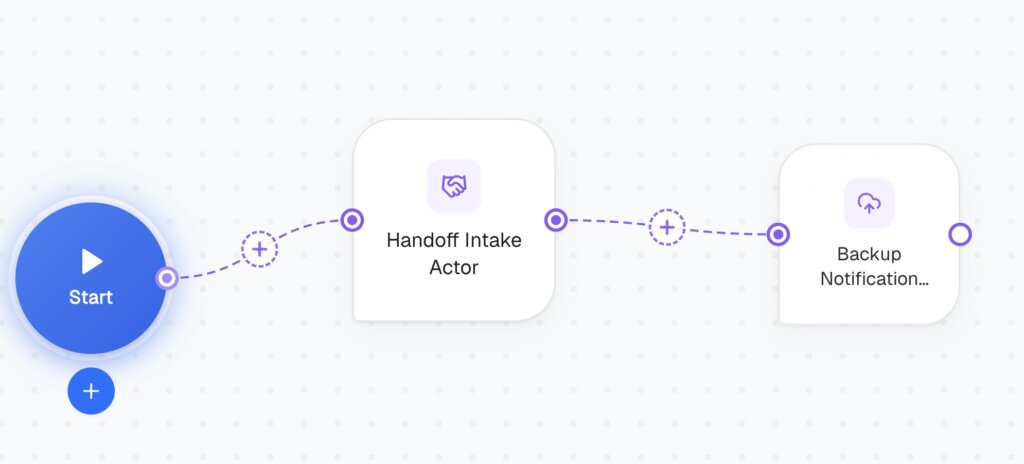
This is fully sequential — no branching needed, since every leave request goes through the same two stages. If you later want different handling for, say, leave longer than two weeks vs. a single day off, that’s where an Activation Condition would come back in.
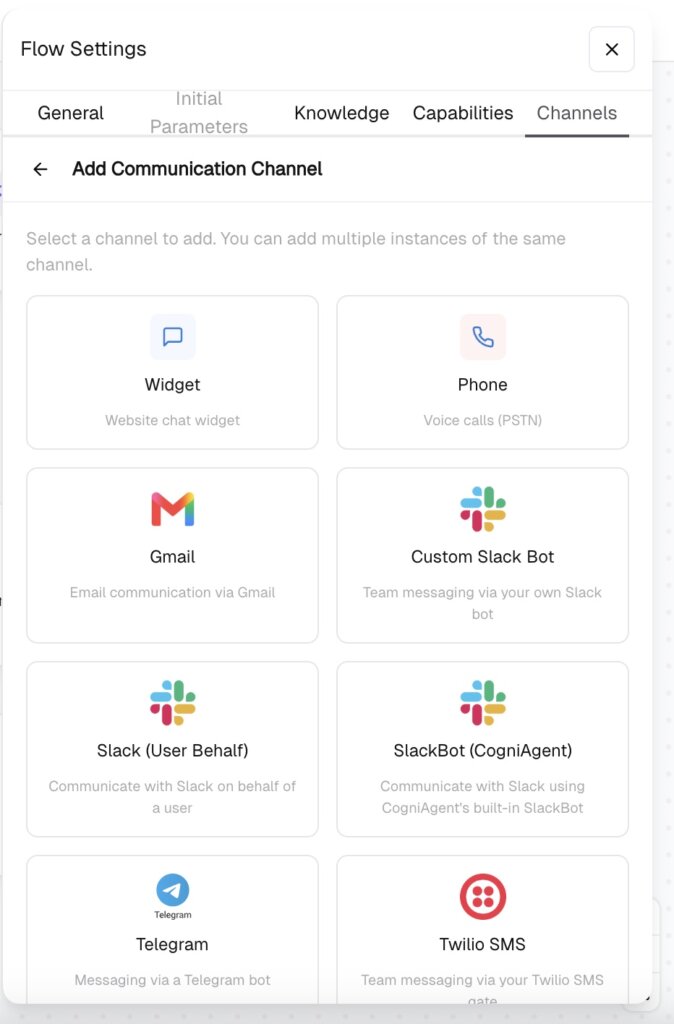
Open Flow Settings -> Channels -> Add Communication Channel. Custom Slack Bot or SlackBot (CogniAgent) is the natural fit here — both the person going on leave and their backup are almost certainly already in Slack, and this flow benefits from feeling like a quick conversation rather than a form to fill out.
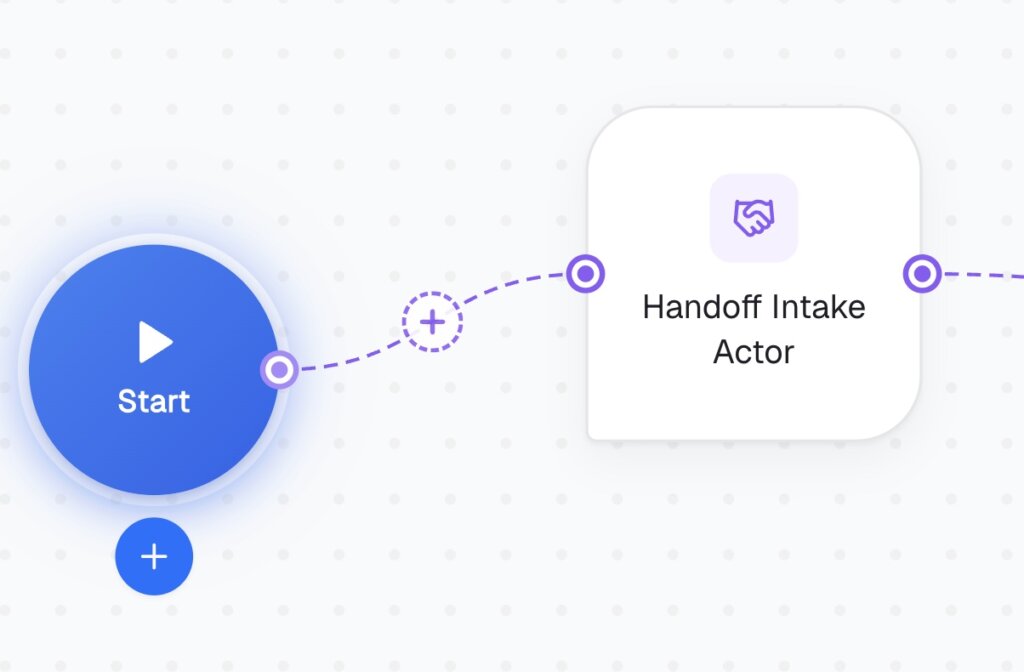
This actor’s whole job is asking the person leaving a short set of questions before they go.
Keep this actor narrow — it collects, it doesn’t notify. That’s the next actor’s job, and splitting it keeps each actor’s Instructions simple.
If there are multiple backups for different tasks, this actor needs to handle sending separate, relevant context to each person rather than one blanket message to everyone — nobody wants to read about three other people’s tasks to find the one line that’s theirs.
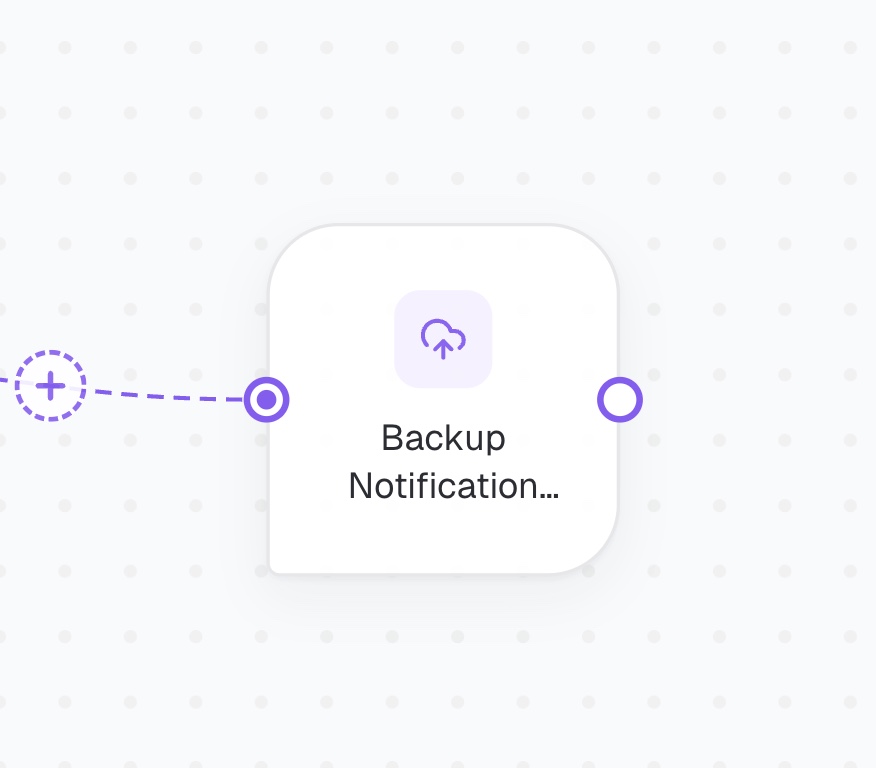
Don’t skip Definition of Done on the Intake Actor — without a clear signal that all open items and their backups have been captured, the Notification Actor will fire on incomplete information, and you’ll end up with a backup person missing context on the one thing that actually mattered. And don’t let the Notification Actor batch everyone’s tasks into a single broadcast message — that defeats the purpose of having captured who covers what in the first place.
Same two-stage shape — narrow intake actor collects structured information, a second actor distributes the right slice of it to the right people — works for shift handoffs, project handoff between team members, or any “before you go, here’s what needs to carry over” situation.
Check our other guides to learn how you can enrich the logic and build fully automated processes!
 Jun 26, 2026
 4 min read
 Jun 26, 2026
5 min read
Jun 26, 2026
5 min read
 Jun 19, 2026
7 min read
Jun 19, 2026
7 min read